REVISION 45 GUIDANCE

AutoCount Revision 45
SVDP Confirmation

Understand when to enable the SVDP option and stay aligned with the latest AutoCount Revision 45 guidance.

What you need to know

Five things about the SVDP option every AutoCount user should understand before making changes.

No specific submission timeline

There is currently no specific timeline after e-Invoice submission.

Flexible option

Users may choose either method because there is currently no confirmed mandatory approach.

Version support

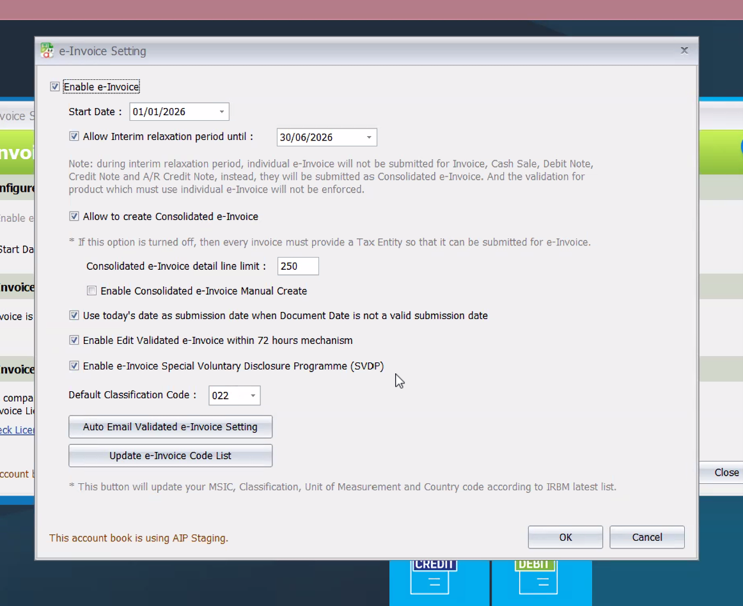
Supports document version 1.3 for SVDP submission.

Automatic behaviour

Some settings are automatically enabled by the system.

Backdated invoice support

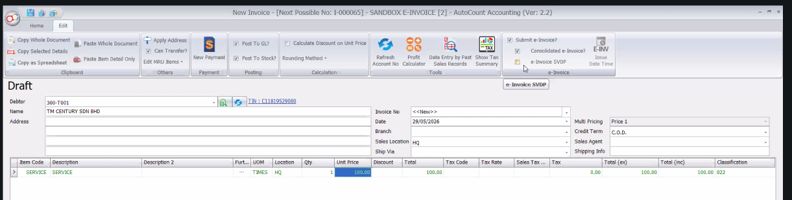
When entering a current invoice with a backdated invoice date and submitting today, enable the SVDP checkbox.

How to apply SVDP

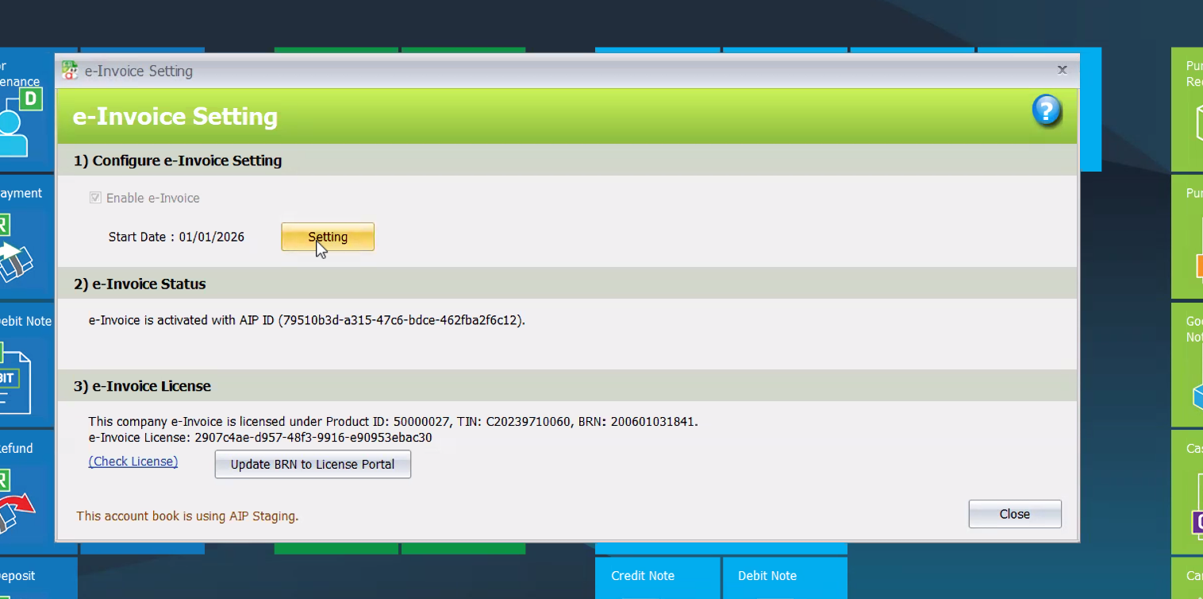
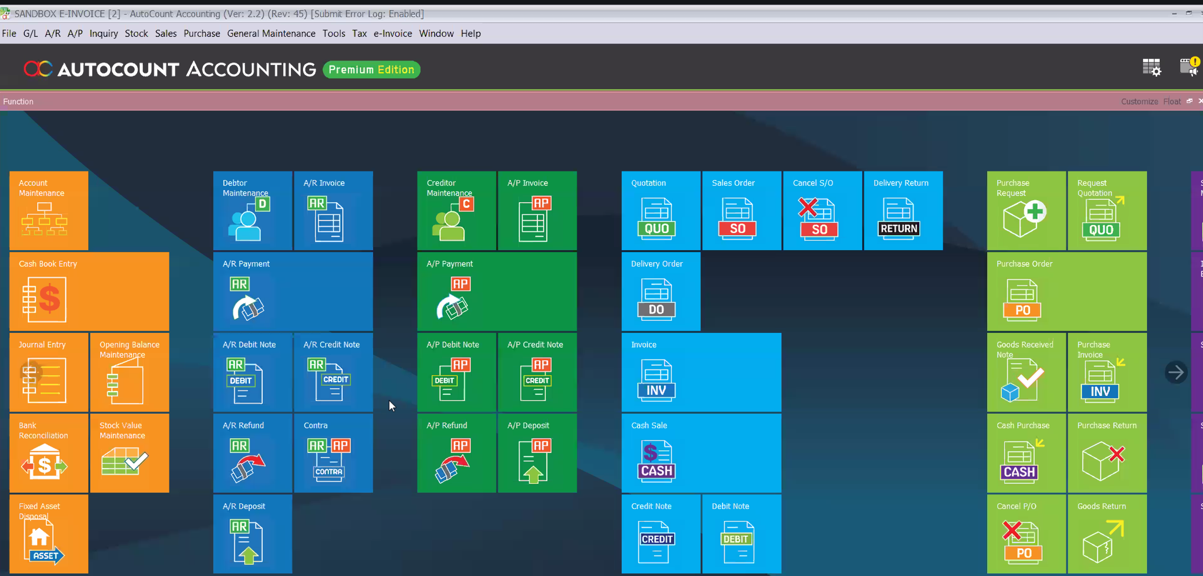
A 10-step walkthrough. Slide through to see each screen — replace the placeholder images with your own screenshots, any size.

Step 1 of 10

Important notes

  • Consult your tax professional when encountering grey areas.
  • Some scenarios still require professional judgement.
  • There are situations where there is currently no confirmed answer.

Where this is headed

1

Today

2

Revision 45

3

31 December 2027

SVDP option hidden for new transactions

After 31 December 2027, AutoCount will hide the SVDP setting for new transactions. Historical invoices remain visible for record purposes.

Frequently asked questions

Answers to what accountants and business owners ask most about SVDP.

Enable it when a current invoice carries a backdated invoice date and is being submitted today. In other scenarios where the timeline or method is not yet confirmed, check with your tax professional.

AutoCount will hide the SVDP setting for new transactions from that date onward.

Yes. Historical invoices remain visible for record purposes even after the setting is hidden for new transactions.

If Credit Note is the correct approach, SVDP is not required.

Need help deciding?

Contact our AutoCount consultant.

Contact Us